.png)
What’s New for Embedded Cluster
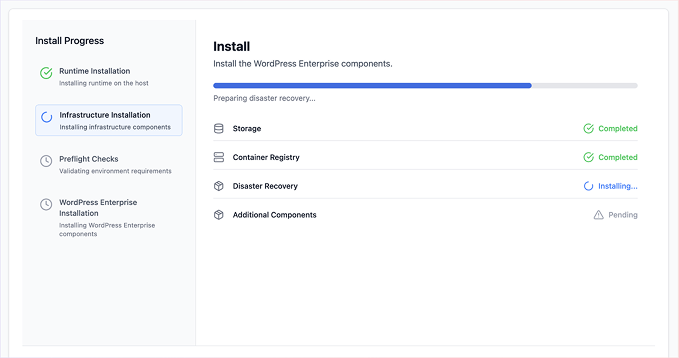
Embedded Cluster v3 Beta. Embedded Cluster v3 is now beta. Compared to v2, Embedded Cluster v3 simplifies installation and upgrade for end customers, offering a fully UI-based experience with clear progress indicators and live logs. Additionally, more of the orchestration is moved out of cluster pods and onto the host, helping avoid issues where processes running inside the cluster could lose connectivity during upgrades. Embedded Cluster v3 also supports headless installs and upgrades from the CLI, multi-node and high availability, and guided upgrades from existing v2 installations. Docs.
What’s New for Vendor Portal
Send test emails for event notifications. Vendors can now send a test email directly from the notification form in the Vendor Portal, giving them immediate confidence that their email configuration is correct before any real events fire. Docs.
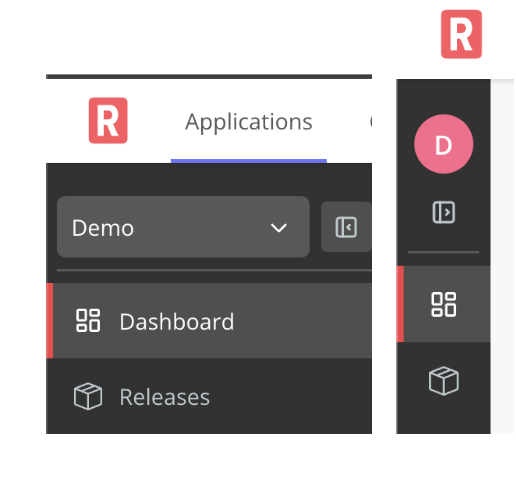
Collapsible sidebar. This gives teams the ability to reclaim screen real estate, improving the day-to-day experience for vendors who work in the Vendor Portal.
What’s New for Enterprise Portal
Custom signup fields for Enterprise Portal self-serve signup. Vendors can now add custom text fields to the Enterprise Portal self-serve signup form. By adding fields for values like job title, company size, or use case, vendors get richer lead qualification without needing to use custom integrations. Docs.

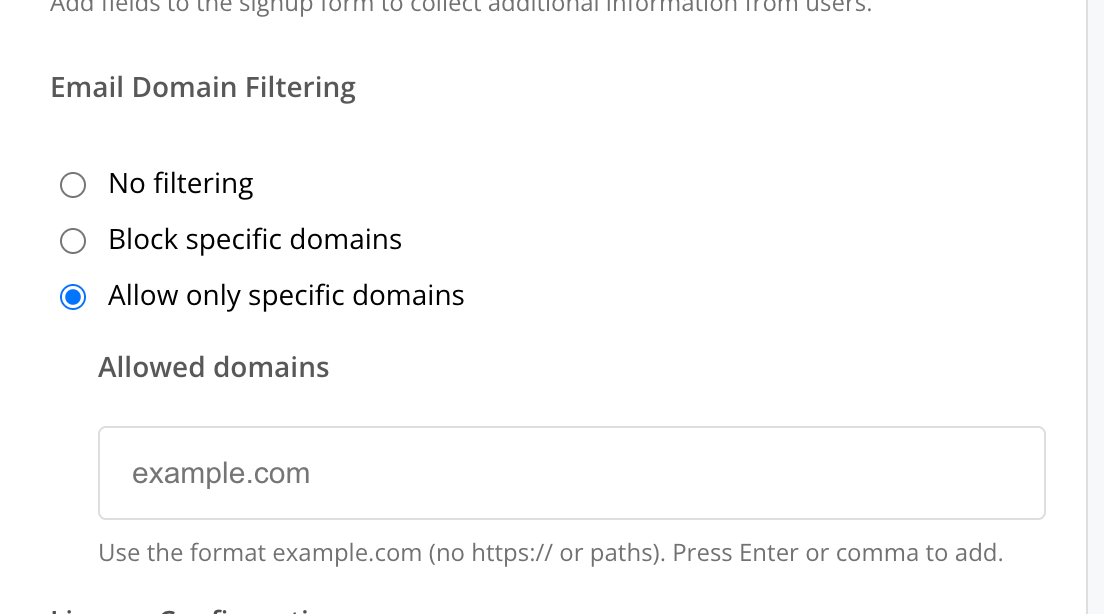
Email domain filtering for Enterprise Portal self-serve signup. Vendors can optionally turn on email domain filtering to control who signs up for their Enterprise Portal. They can either block consumer email providers or restrict signups to specific domains. This gives vendors confidence to enable self-serve signup without worrying about unqualified or unwanted signups cluttering their customer list.
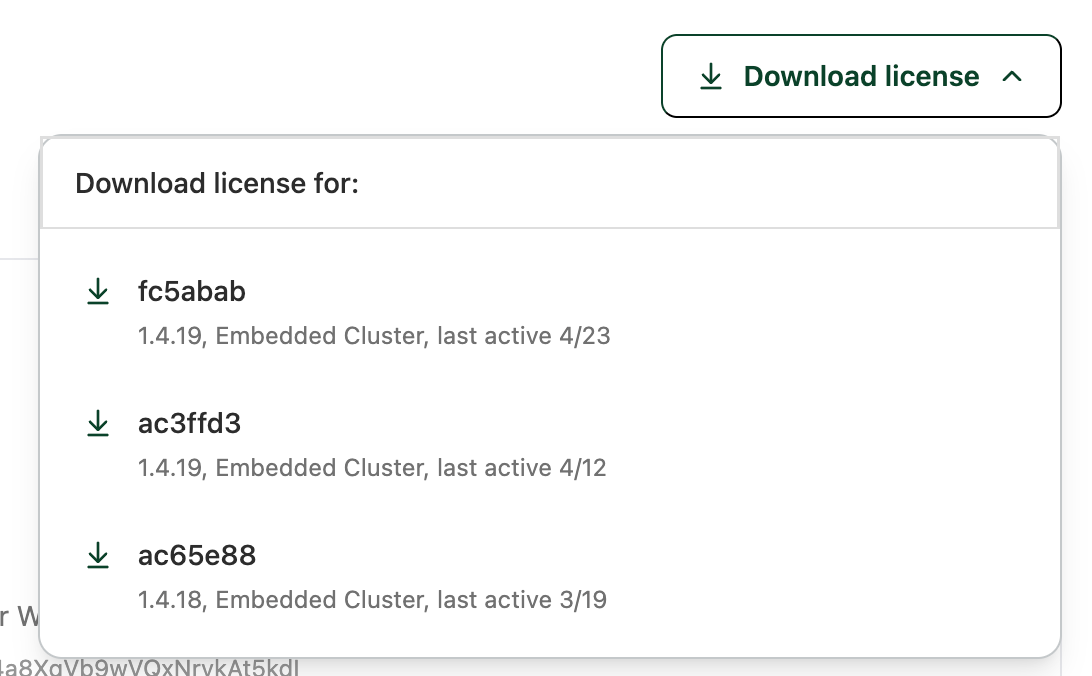
License download button. There is now a license download button in the Enterprise Portal, giving customers a direct way to pull an updated license. This is especially useful for air gap customers, who won’t need to re-download the air gap bundle to get an updated license.
What’s New for Replicated SDK
Replicated SDK images can now be referenced by digest. The replicated-sdk Helm chart now supports specifying the container image by digest (image.digest) in addition to tag. This enables vendors whose end customers enforce image digest pinning as part of their container security policies. Digest takes precedence when both are specified.
Read-only mode for restricted Kubernetes environments. Vendors deploying to customer environments with strict Kubernetes RBAC policies can now set readOnlyMode: true in the SDK Helm chart to disable all secret write operations. This unblocks SDK adoption in security-conscious environments where granting write access to secrets is not permitted. In read-only mode, the SDK continues to function for online operations (like sending custom metrics to the Replicated API) while gracefully skipping local caching. Docs.
What’s New for Replicated Documentation
Air gap onboarding guide. A new Add support for air gap installations guide explains how to enable air gap installations for existing releases. This consolidates all the information about how air gap works with Replicated in one place, including step-by-step instructions for each install type. See the guide.
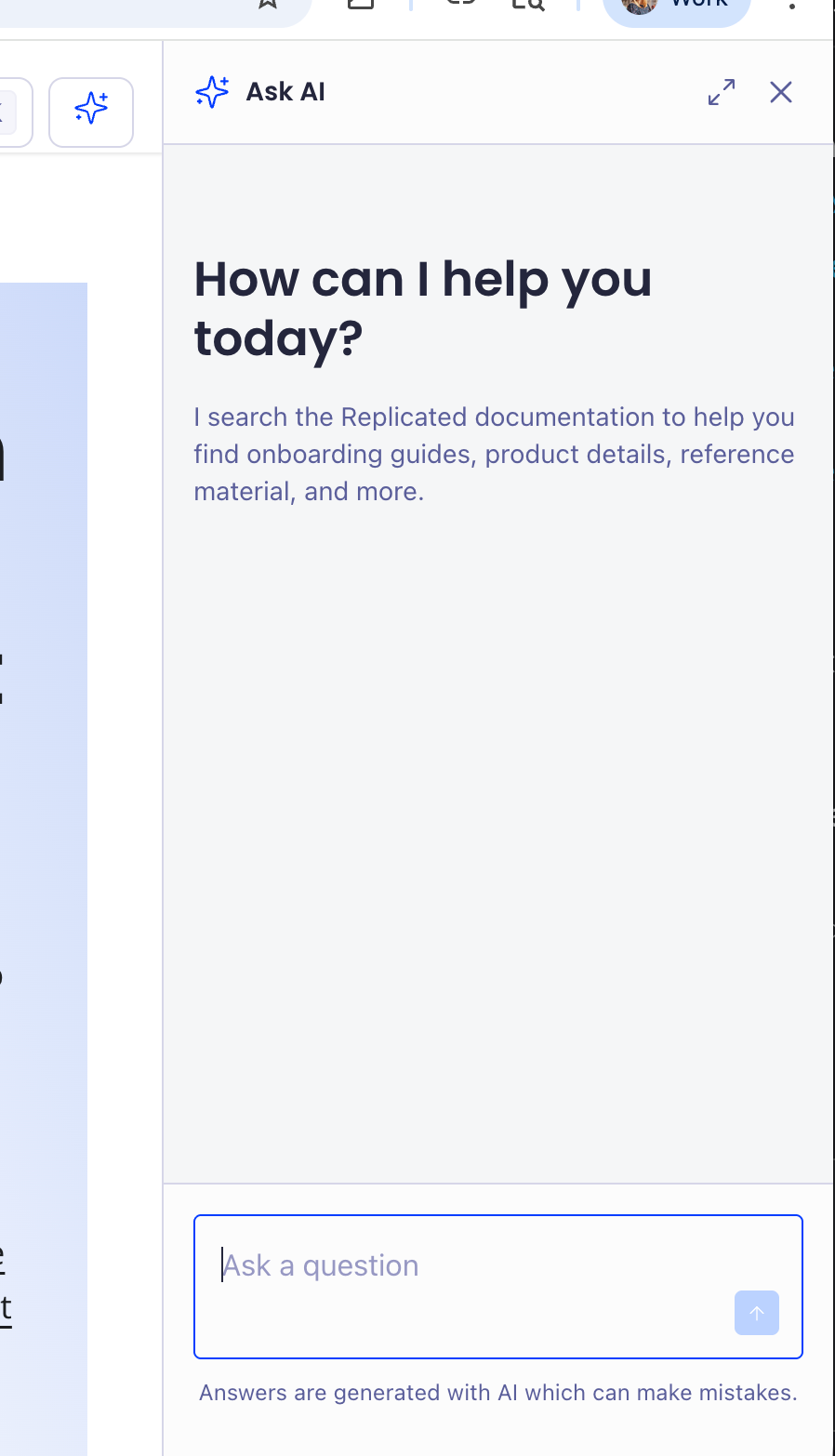
Ask AI. The docs site now provides an AI search option. You can use it either from the search bar or in a side panel.