
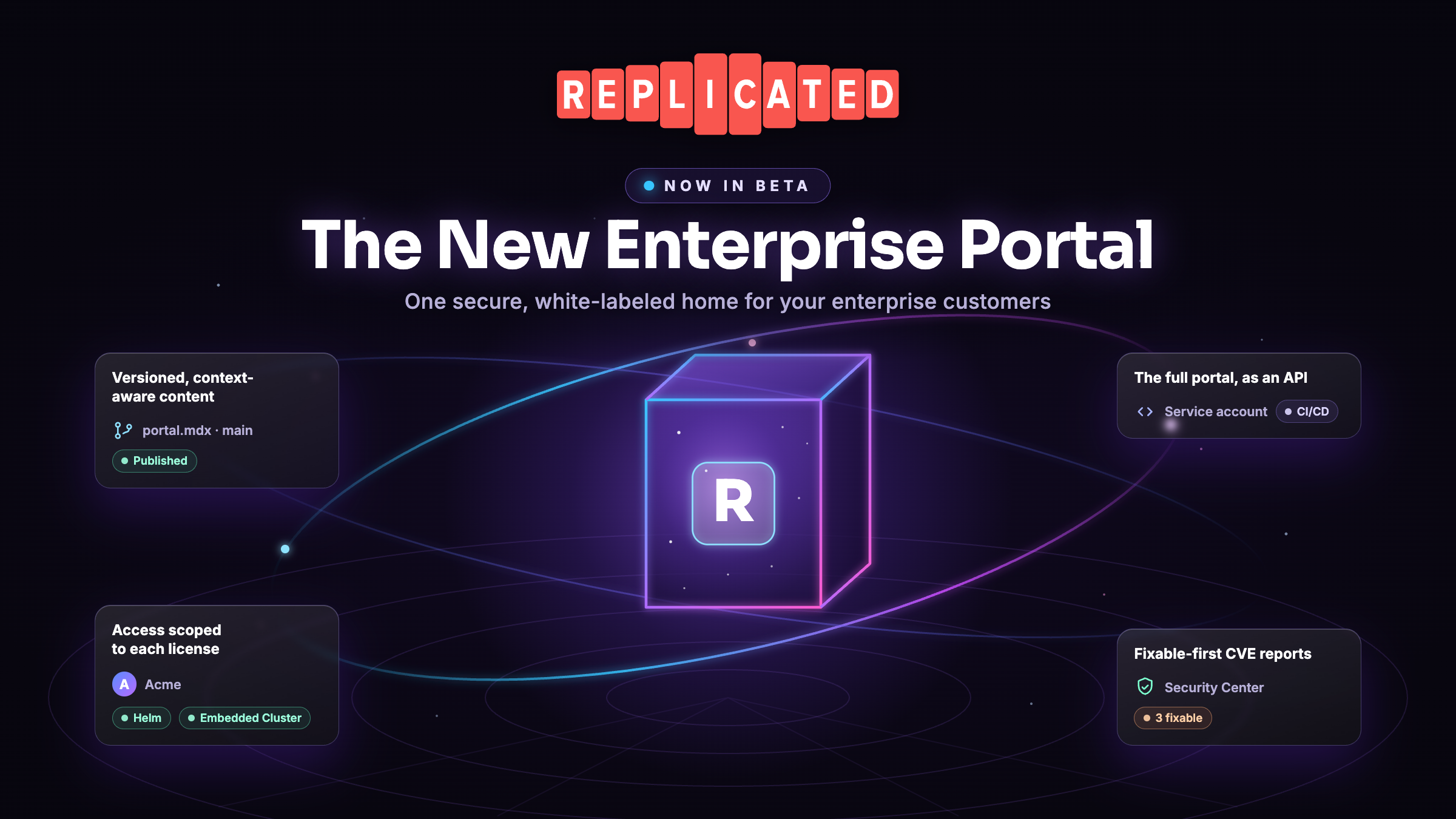
Enterprise Portal is the best-in-class software distribution portal for the software you sell into your customers' environments. It gives each customer one secure, white-labeled place to install, upgrade, configure, and support your application. Today we're moving the next generation of Enterprise Portal into Beta and beginning to roll it out to every team, including teams that couldn't use Enterprise Portal before.
This next generation is a feedback-driven evolution of the Enterprise Portal that vendors already rely on, shaped directly by what they told us they needed. If you've never looked at Enterprise Portal, or you looked once and it didn't fit the way you deliver software, this is a good moment to take a fresh look.
What Enterprise Portal does
When you sell self-hosted software, the moment a customer first installs it sets the tone for the whole relationship. Too often that moment is a shared PDF, a Slack thread, an internal wiki page, or a set of instructions that drift out of date the day after you write them.
Enterprise Portal replaces that with one secure place your customer signs in for everything they need to run your application.
- Step-by-step install and upgrade instructions for their version, personalized to their license
- The artifacts they're entitled to, from Helm charts and air gap bundles to supplementary tooling
- A live view of their installed instances and when updates are available
- A support path, including support bundle uploads for troubleshooting
It's authenticated, so each customer sees only their own content, and it carries your branding and your domain rather than looking like a Replicated page. For your customer it's a professional experience from day one. For your team it's one source of truth that stays current instead of a stack of bespoke documents you maintain by hand.
Where we started, and what vendors asked for next
The first-generation Enterprise Portal launched last year as a product that many software vendors rely on. It took an opinionated design approach on purpose, so that with very little setup you get a software distribution portal that just works and a clean out-of-the-box install experience for your customers.
What we heard from the vendors using it most is that they wanted that same easy starting point while also getting far more control capabilities over how the portal looks and what it says. Customization previously lived in a single large MDX file that grew hard to manage across releases, with no version history and no way to roll back. Vendors wanted to tailor content down to a specific customer without hand-maintaining separate documents. They wanted to vary install workflows, preflight instructions, and support page behavior per release and/or per customer segment. And vendors serving KOTS or kURL customers could not yet bring them into Enterprise Portal, because the first-generation version was limited to customer leveraging Helm and Embedded Cluster installs.
This next generation of Enterprise Portal is our answer to that feedback. It keeps the out-of-the-box experience and hands you the broader control vendors have been asking for.
See it in action
In the walkthrough above, Lawrence Keener, one of the engineers who worked on the new Enterprise Portal, sets up two customers of the same product, Acme with every install method enabled and Bright Side on a Helm-only trial. From there he shows how each customer sees only what their license allows, across install methods, Security Center, downloadable content, and even the answers Ask AI gives. It's a quick 90-second tour if you'd rather watch than read.
What's new
You can see the full list comparison in the Enterprise Portal documentation.
Your content lives in Git
Enterprise Portal content is now managed in a GitHub repository you connect, authored as modular MDX components instead of one monolithic file. You get version history, code review, rollback, and the ability to work in the tools your team already uses. Commit a change, and the portal updates, which you can see happen end to end in the walkthrough.
A maintained starting point you adopt on your schedule
You start from a default portal that works out of the box, and it keeps improving. As we ship new capabilities and refinements to the default, the Vendor Portal shows you what is available, with a short summary of each change and whether it is required, recommended, or optional. Nothing is applied automatically, and we never touch your repository. You review what changed and decide what to adopt and when, so your portal stays current without you giving up control of your content. See adopting template updates.
Far more of the portal is customizable, and all of it stays customer-aware
The first Enterprise Portal already personalized install instructions to each customer. The next generation extends that same awareness across much more of the portal. You can shape content, branding, install workflows, and per-customer and per-version details, and every customer still sees only the instructions, release artifacts, and content their license entitles them to. You author one set of content with dynamic content defined, and each customer gets a result tailored to them, instead of forking a document per customer.
One portal for more of your customers
The portal serves Helm and Embedded Cluster out of the box, and for the first time you can extend it to your KOTS and kURL customers as well. If you still ship KOTS or kURL to some customers, you can bring them into the same portal rather than sending them somewhere else. One portal now covers your whole customer base.
Beyond Helm Chart Delivery
Alongside charts and air gap bundles, the portal can now also deliver downloadable assets and Terraform modules as premium content, so customers who provision with Terraform or need supplementary tooling get it from the same entitled, authenticated place.
Ask AI, scoped to each customer's content context
Customers can ask questions and get answers grounded in what they can actually see, driven by their entitlements and your content rather than a generic bot pointed at everything. You can watch this in the walkthrough, where Bright Side asks how to install and the answer is Helm, then Acme asks the same question and gets an answer that matches their own license. It's off by default and opt-in.
A headless portal for automation-first customers
Not every customer wants to click through a browser. Some run their whole install and upgrade flow through CI/CD and GitOps, and for them the entire portal is available as an API. Using a service account, a customer can create install profiles, fetch the same license-personalized, entitlement-aware install instructions the portal shows in the UI, and download the artifacts they're entitled to, all programmatically. A new release can flow straight into their pipeline with no manual step, and because the same entitlement rules apply to the API, automation never exposes anything the customer isn't licensed for. It's the same portal, driven by code instead of a mouse.
Security Center
Every customer's portal can surface Security Center, so customers can review CVE reports and download SBOMs for the versions they run, with filtering to focus on what's actually fixable. Security Center is its own Beta, and you can read more about it in the Security Center Beta announcement.
What "available to every team" means for you
As part of Beta, the new Enterprise Portal is rolling out to every entitled team over the next week or so, with no support request needed. If you’d like access right away, reach out to us and we’ll turn it on. What you see depends on how your team delivers software today.
- If your team is newer to Replicated, you'll work in the new Enterprise Portal only. It already covers the install types you use, so there's nothing to migrate and nothing to toggle.
- If your team invested in the first Enterprise Portal, you keep it. You'll see both a Classic view and the New view with a switch between them, so the work you've already put into it stays intact while you explore the new experience at your own pace.
- If your team relies on the Download Portal, including for the KOTS and kURL customers the first Enterprise Portal couldn't serve, you keep the Download Portal exactly as it is and gain the new Enterprise Portal as an option alongside it, with its own separate custom domain so both run side by side. Nothing moves until you're ready.
Moving customers to the new portal stays in your hands, and most of your existing setup comes with you. Your customers, their access, SAML configuration, notification preferences, and customer email settings all carry over automatically, because the new portal runs on the same underlying data. The one thing that is genuinely new is where your portal content lives, in a Git repository instead of form fields, and that is the piece we are focused on making easy to bring over. For teams with existing customers, adoption is a per-customer choice you control, so you can bring customers over as you get comfortable rather than all at once. If you have invested in first-generation content, we’ll be reaching out to you to discuss how we can help you bring it over. Nothing about your current setup changes with this Beta milestone.
Your feedback shapes what's next
How you use Enterprise Portal during the Beta phase will directly inform the capabilities we build next and how we prioritize them. Please give us your feedback, either in your dedicated customer Slack channel or through your account contact.
Getting started
The new Enterprise Portal is rolling out in the Vendor Portal to every entitled team over the coming days. Once it's available for your team, get started by connecting a Git repository and following the setup steps. If you'd like access right away, or a walkthrough from someone on our team, reach out to us.